
Why Employees Still Track Work Through Email and Excel
2026-09-23
Your company already has workflow software. You already have a system for managing tasks. But watch a normal day for someone on your operations team: they still keep a separate spreadsheet listing “what’s in progress, what’s done, what’s waiting on whom.” They still send an email asking a colleague “where did yesterday’s order end up?” Some even run a separate chat group just for status updates.
If that sounds familiar, it’s worth stopping to ask: why doesn’t a system you’ve already invested in to manage work answer the simplest question of all — “where does this stand?”
→ Related: Workflow Depends Too Much on People: The Design Problem Behind Every Bottleneck
What a Visibility Gap Looks Like

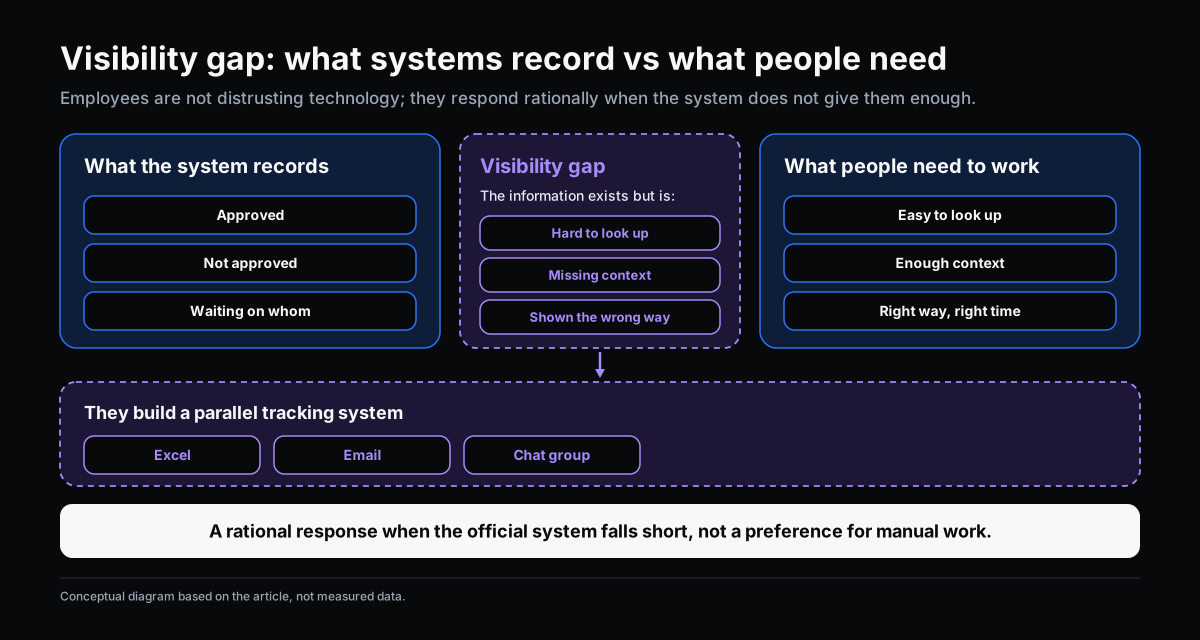
A visibility gap is the space between what a system records and what people actually need to know to do their work. A workflow system might capture the full status of every step — approved, pending, waiting on whom. But if that information isn’t easy to find, lacks context, or isn’t displayed the way people actually need it, they’ll build a parallel tracking system to compensate — usually a spreadsheet or an email thread.
An important distinction: this isn’t because employees distrust the technology or prefer manual work. It’s a rational response to a formal system that doesn’t provide what they need, when they need it.
Why Workflow Tools Often Leave This Gap

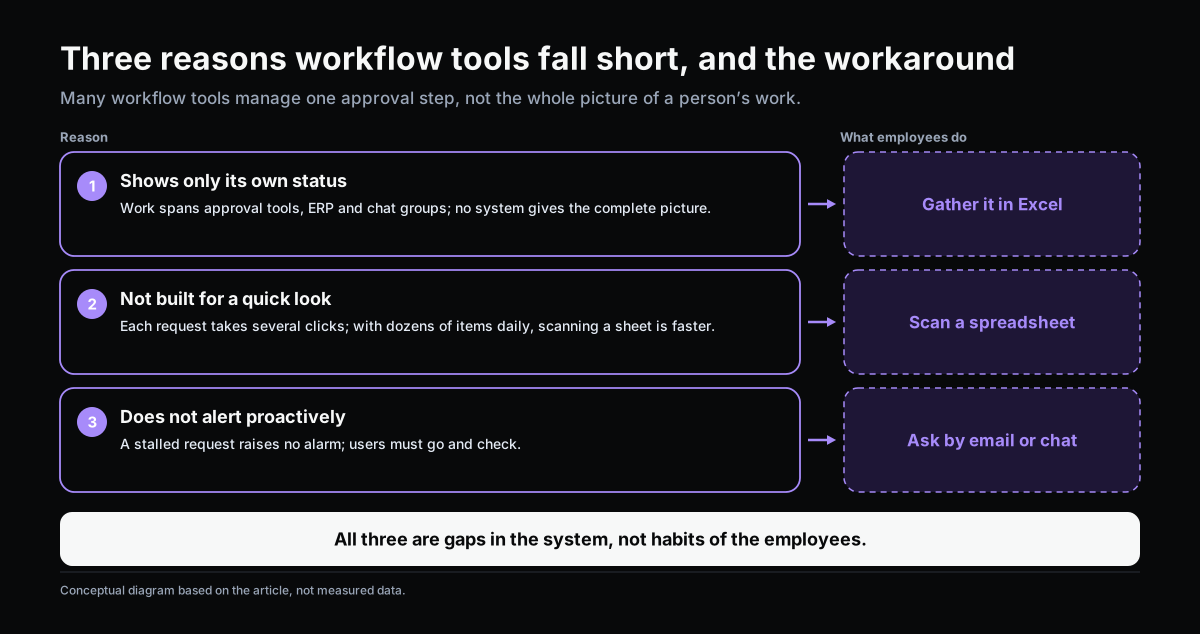
Many workflow tools are designed to manage one approval step, not to manage the whole picture of someone’s work.
Three common reasons this gap shows up:
- The system only shows its own status, without pulling from other sources. Someone in operations usually has to track work spread across several systems — an approval tool, an ERP, an internal chat group. No single system gives them the full picture, so they build one themselves, in a spreadsheet.
- The interface isn’t built for a quick glance. Many workflow tools require several clicks to check the status of one specific request. For someone tracking dozens of items a day, opening each request individually is far slower than scanning a spreadsheet.
- The system doesn’t proactively flag what needs attention. If a request has been sitting untouched too long, most workflow tools won’t raise an alert on their own — someone has to go check. When checking manually gets tedious, people switch to a faster route: asking directly by email or chat.
Three Signs Your Workflow Lacks Visibility

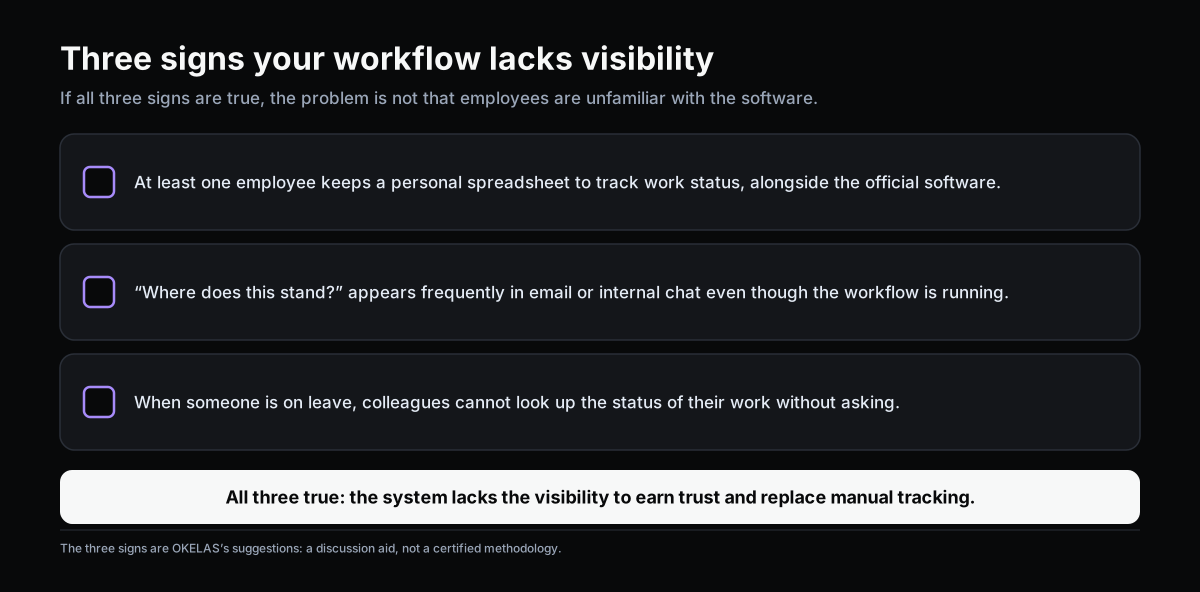
Your company may be facing a visibility gap if:
- At least one employee maintains a personal spreadsheet just to track work status — running alongside the official system.
- “Where does this stand?” is a recurring question in email or internal chat, even while the workflow system is running.
- When someone is out, colleagues can’t immediately check the status of the work they own without asking them directly.
If all three are true, the problem isn’t that employees haven’t learned the software. It’s that the current system doesn’t provide enough visibility for them to trust it and drop the manual tracking.
What to Do About It

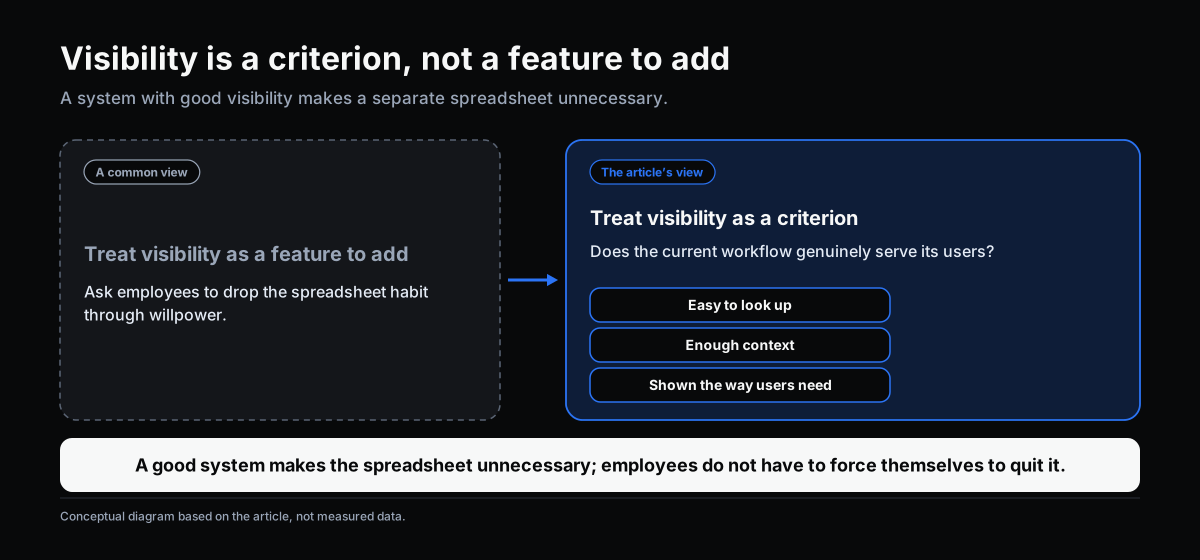
Visibility isn’t a feature to bolt on — it’s a criterion for judging whether your current workflow actually serves the people using it. A system with real visibility makes maintaining a personal spreadsheet unnecessary, rather than requiring employees to give up the habit through willpower alone.
→ Related: Next-Generation Workflow: When AI and Organizational Knowledge Change How Work Operates
This article is part of a series on workflow, AI adoption, and operational management for manufacturing SMEs.
Related articles:
- Workflow Depends Too Much on People: The Design Problem Behind Every Bottleneck
- You Have Workflow. Why Is Work Still Moving Slowly?
- Next-Generation Workflow: When AI and Organizational Knowledge Change How Work Operates
→ Complete the Digitalization Readiness Assessment
Does this describe your organization?
Does this sound familiar to your organization?